

Daily Publishing Needs Behind Your Next Core Platform Choice
A custom CMS can sound like the natural next step for a growing business. However, more control brings more decisions about features, support, and future changes. An existing platform may already cover much of what your team needs. The right choice starts with how people create, review, and publish content, rather than which option sounds more advanced. First, identify the tasks that must become simpler as the business grows.
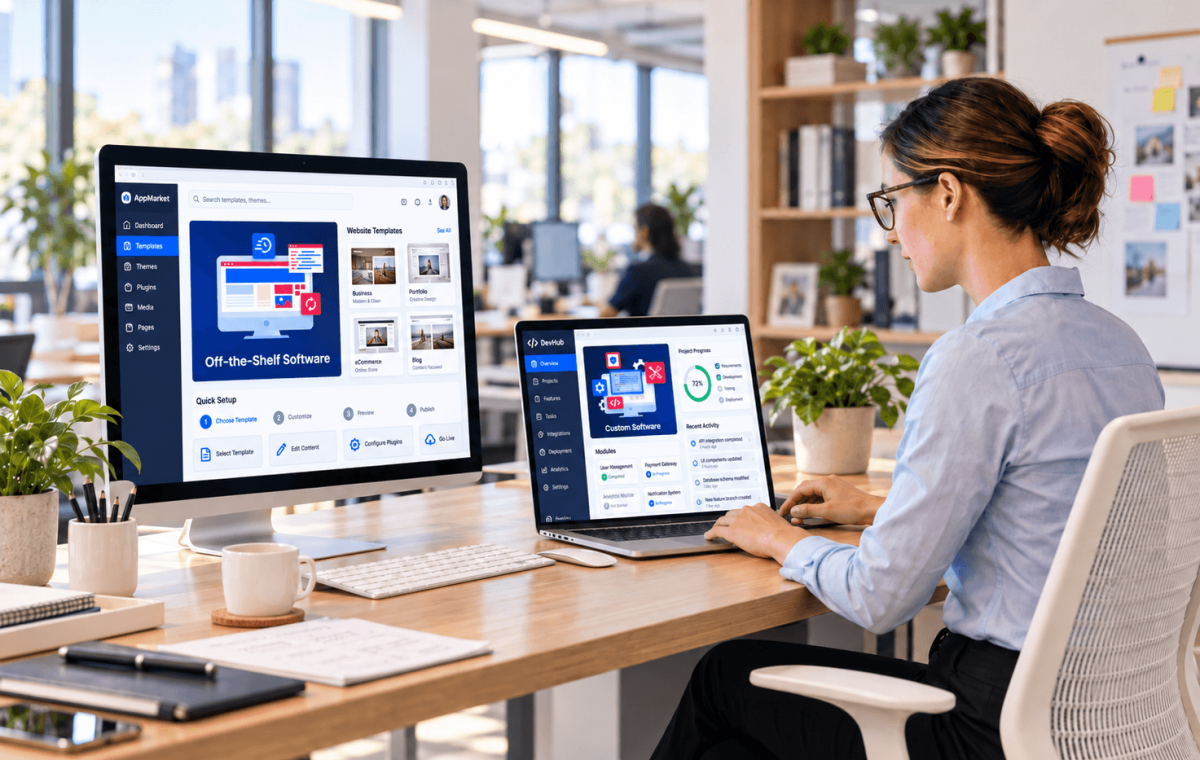
A content management system gives staff tools to manage website content without changing code for every update. An off the shelf option provides an existing platform that a team can configure and extend. For example, WordPress includes user roles and supports plugins for added functions. However, those features still need careful setup to match the way a business works. Extensions can add options, but assess their quality and maintenance needs before adoption.
A tailored system takes a different starting point. The project team defines the required content fields, editing screens, permissions, and connections before building the agreed solution. As a result, a custom CMS can reflect unusual publishing needs more closely. That freedom also means someone must plan, test, document, and maintain the functions the business depends on. Also, distinguish a fully bespoke build from an existing platform with custom features.
Before comparing development services, ask staff to walk through a recent content update. Note where they copied information, waited for approval, or asked someone else for help. Then, separate essential tasks from occasional requests and personal preferences. This small exercise creates a useful brief because it describes real work instead of a long list of possible features. For example, departments may need approval rights without full access to settings.
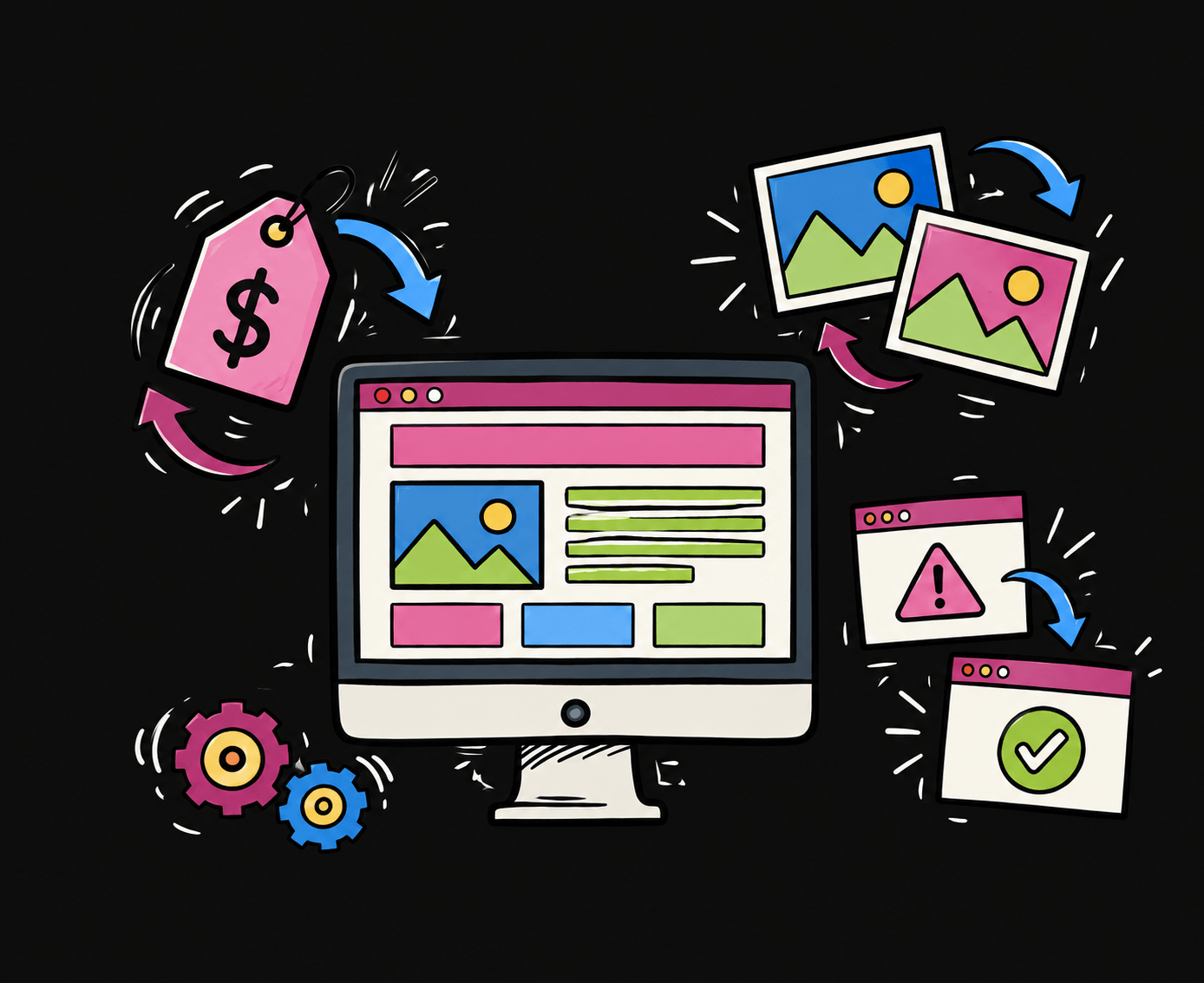
The same distinction applies to web design and the editing tools behind it. A polished page tells you little about how easily staff can update prices, replace images, or correct an error. Therefore, assess the public page and the editor separately. An attractive website can still require awkward manual work whenever the business changes its content.
An effective user experience matters for editors as well as visitors. Someone who updates branch details each week should be able to find the correct fields and preview the result. Also, staff should understand which changes they can publish and which need review. Clear editing tasks give either approach a fair chance to meet the team’s needs.
Growth Plans and Practical Tradeoffs in Costs and Daily Work
Consider a company adding new branches, with shared offers and different local opening hours. A custom CMS could provide one place to manage common details while preserving branch information. However, an established platform may support the same tasks through configuration or extensions. The comparison should test both options against that actual publishing job before assuming either one fits better. Request a demonstration using sample branch details rather than a page template.
Next, examine the full cost of ownership rather than the opening quote. Include setup, content transfer, hosting, subscriptions, extensions, training, support, and future changes. Also, ask which costs recur and what might trigger additional work. A smaller initial bill does not guarantee a lower total, while a larger build does not guarantee lasting value. Include the staff time spent on repeat tasks when comparing the choices.
The decision becomes more significant when business applications exchange data with the website. Product details might come from an inventory system, while inquiries need to reach a customer record. Therefore, identify which system owns each piece of information and how updates move between them. A connection needs a clear failure process as well as a successful demonstration. Otherwise, a failed update may leave visitors viewing old prices or missing details.
Both approaches need careful testing for responsive design across different screen sizes. The CMS manages content, while the website’s implementation determines how that content appears to visitors. Likewise, planning for SEO includes page titles, useful addresses, redirects, and access for search engines. Neither a purchased platform nor a tailored build guarantees strong rankings or fast pages by itself.
A custom CMS also needs an explicit support plan after launch. Confirm who handles updates, access changes, backups, recovery tests, and faults when key staff are unavailable. Meanwhile, an existing platform needs suitable maintenance for its own components and extensions. Security depends on sound implementation and ongoing care, so the label alone should never decide the comparison. Ask how the team will restore the site if an update causes problems.
Before approving website development, test a small set of common and difficult tasks. Ask an editor to create a page, change a shared detail, request approval, and correct a published mistake. Then, check how content exports and what another team would need to take over. A practical trial reveals more than a feature checklist or a polished sales demo.
A Clear Platform Decision With Useful Support for Your Plans
An established platform deserves serious consideration when its existing tools cover the important work with manageable changes. For instance, a small publishing team may need familiar editing, clear permissions, and routine updates. However, a growing company should still test its most likely next requirements. A sensible choice today should leave room for realistic changes without paying for every imagined future. For a custom CMS comparison, use those same requirements to keep estimates fair.

A custom CMS becomes a stronger candidate when repeated workarounds carry a clear cost or create frequent errors. That might involve complex content relationships, specific review steps, or several systems sharing information. Still, document those needs before committing to a build. The case for tailored development should rest on measurable problems and a credible plan to maintain the solution. For example, count the hours staff spend entering details in different places.
The offerings listed by webdev200 include a content manager for updates to text, photos, and graphics within its broader application offering. This provides a relevant starting point for discussing the site’s publishing needs. Bring examples of current editing tasks, planned changes, and systems that must connect. Then, use those details to define a project scope rather than assuming every requested feature belongs in the first release.
Your online presence also depends on what happens during the move to a different platform. Identify important pages, files, forms, and existing addresses before transferring content. Then, plan checks for missing material, broken links, and changes to visitor tasks. A migration should preserve useful information while giving the team a clear way to review and correct the new site. Also, assign an owner to verify transferred material before the new site launches.
Ask the web developer to explain ownership, documentation, access, and future handover in plain terms. Also, confirm what the business receives at launch and which ongoing tasks need a separate agreement. Training should use real publishing examples so staff can practice before taking responsibility. These details help the business judge whether the proposed system will remain manageable after the project ends. Clear responsibilities help prevent uncertainty about maintenance once the build is complete.
The strongest platform choice comes from evidence about your content, team, and next business needs. Compare the essential tasks, total costs, support demands, and likely changes before making the decision. Then, choose the approach that meets those needs with a level of effort your business can sustain. To discuss a suitable content platform for your growth plans, contact us.